
Competitors Win Your Customers: An unclaimed listing looks like a closed shopfront. Active listings with fresh photos, reviews, and updated trading hours capture customer trust first.
RANDWICK · BOTANY · SYDNEY CBD
How to Get Your Business on Google: The Complete Australian Guide
TL;DR / Quick Summary:
Contact Our Team
Anytime Offices
YOUR SPACE. YOUR SCHEDULE.
01 /VIRTUAL OFFICES
To get your business on Google Search and Maps, you need to create and verify a free Google Business Profile. Sign in at google.com/business, enter your business details, and complete Google’s verification process (now done primarily via live video, mobile video upload, or phone call). For Australian businesses working from home or via a virtual office, ensure your address setup complies with Google’s staffing and location rules.
If you’ve ever asked yourself, “how to get my business on google?”—you’re in good company. When Australian consumers need a local product or service, Google Search and Google Maps are almost always their first port of call.
Whether you’re launching a new venture in Sydney, expanding your local brand, or moving into a new space, knowing how to get your business on Google Search is crucial for local visibility, building trust, and driving enquiries.
In this guide, we’ll walk you through how to set up, claim, verify, and optimise your Google Business Profile (formerly known as Google My Business), along with key updates to Google’s strict verification rules.
02 / VIRTUAL OFFICES
What is a Google Business Profile?
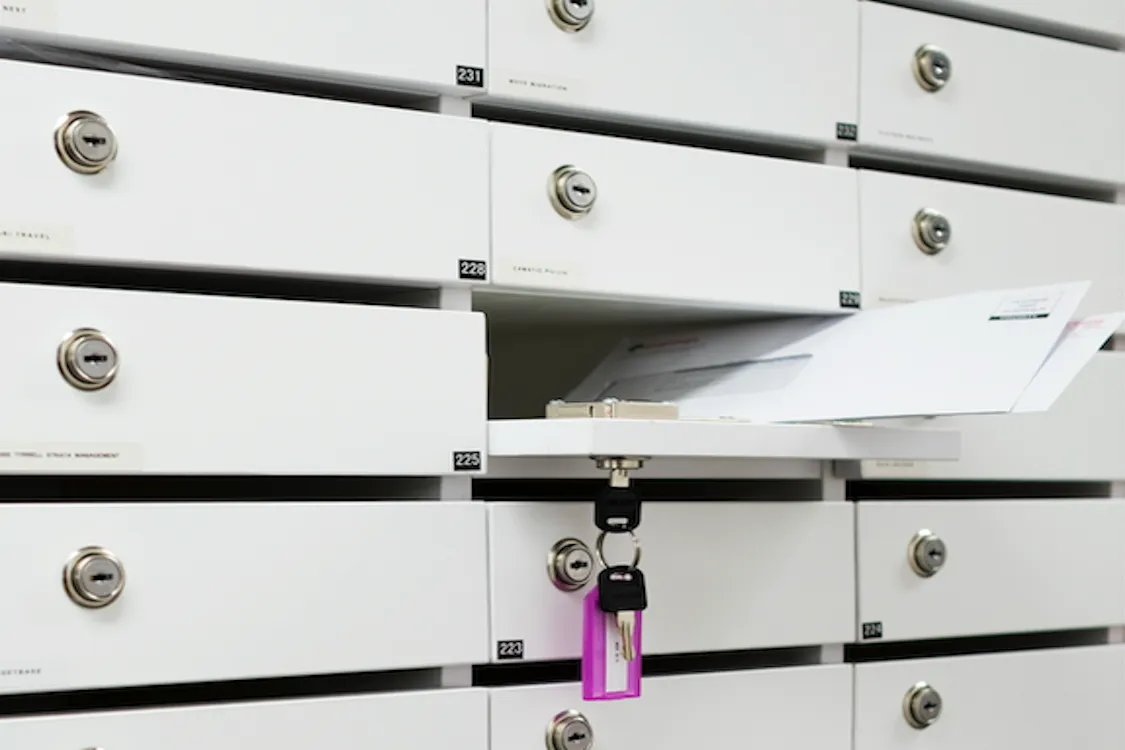
A Google Business Profile (GBP) is a free tool from Google that allows business owners to manage how their company appears across Google Search and Google Maps.
When people search for local services, Google presents results in two main areas:
- Organic Search Results: Standard website links listed on the main search page.
- The Google Local Pack & Map Panel: A prominent map box showing verified local businesses with reviews, addresses, opening hours, and contact buttons.
Having a verified profile is the single most effective way to rank in the Local Pack when nearby customers search for what you offer.
03 / WHY ANYTIME OFFICES
Why Getting Your Business on Google Matters
If you’re wondering, “why should I learn how to get my business on Google?”, consider what happens when your listing is missing or unmanaged:

You Lose Control of Your Reputation: Google reviews heavily influence purchasing decisions and local rankings. Without an active profile, you cannot reply to feedback or manage your reputation.
Inaccurate Information Spreads: Anyone can suggest edits to an unmanaged listing. Incorrect phone numbers or trading hours can frustrate prospective clients.
You Miss Free Traffic: A well-optimised profile often ranks above standard website listings for high-intent local searches.
04 / HOW IT WORKS
Google my business address guidelines: Step-by-Step setup
Google requires a physical location to verify where your business operates.
01
Establish Your Australian Business Address
Google requires a physical location to verify where your business operates.
02
Claim or Create Your Listing
Managing your profile is now done directly inside Google Search or the Google Maps app.
03
Enter Accurate Business Details
Fill out your information completely. Tip: Ensure your business name matches your registered Australian Business Number (ABN) details to make verification seamless.
04
Verify Your Profile (New Rules for Australian Businesses)
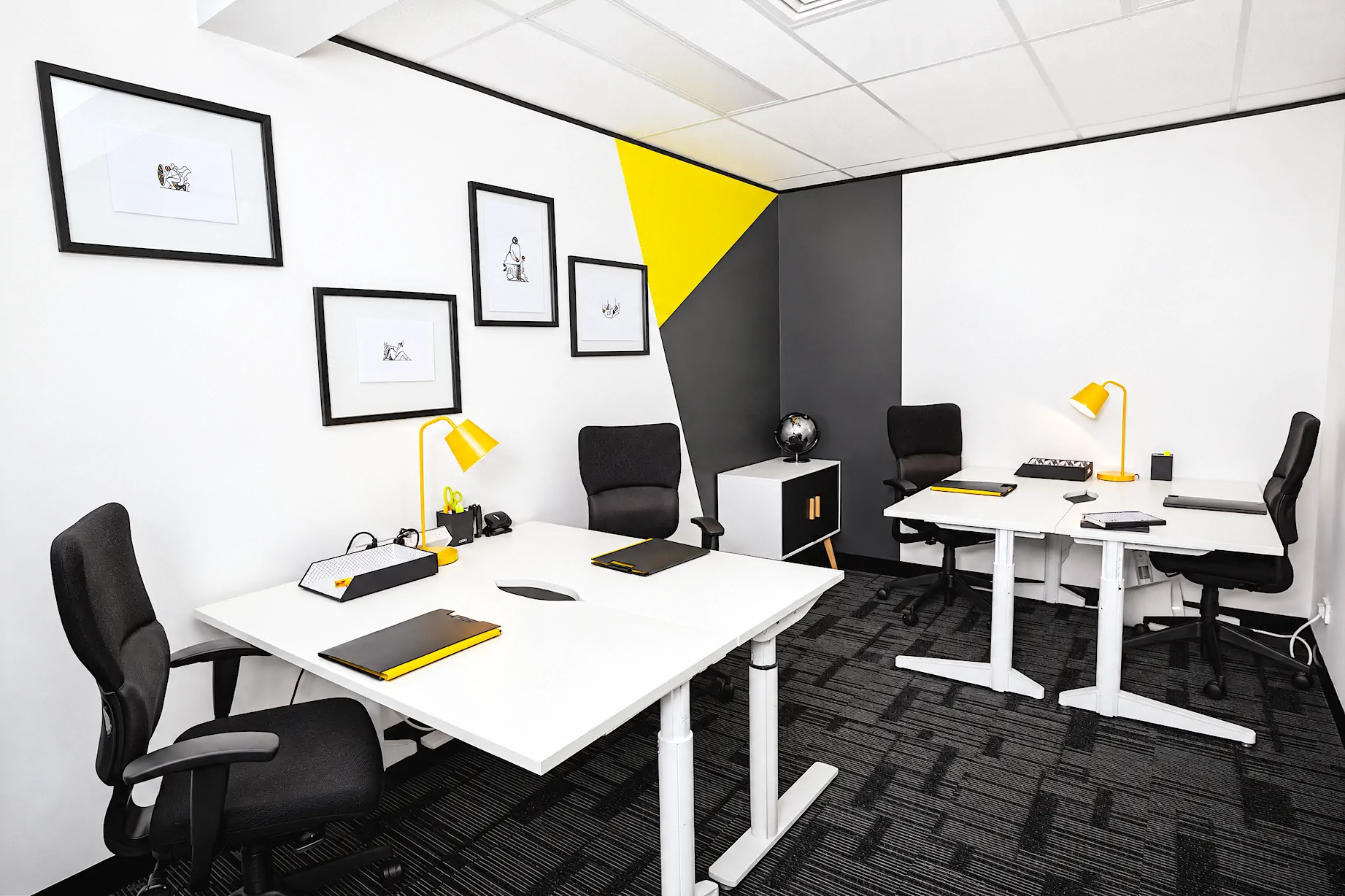
Google has moved away from simple postcard-only verification in favour of anti-spam digital methods. Depending on your business type, google business address verification will include one of the following methods: Pro Tip: If Google assigns postcard verification, having a serviced office with mail redirection or mail scanning ensures your PIN is logged and emailed to you immediately upon arrival.
05 / HOW IT WORKS
How to Optimise Your Profile for Local Search
Once verified, ongoing maintenance is key to outranking your competitors:
01
Publish Regular Updates
Use the Posts tool to share company news, special offers, and new blog articles.
02
Gather & Respond to Reviews
Invite happy clients to leave Google reviews and always reply to feedback promptly.
03
Add Photos & Videos
Upload photos of your team, office, and completed projects. Profiles with active photos receive significantly higher engagement.
04
Monitor Insights
Track how locals find your listing—whether via direct searches for your brand or discovery searches for your services.
06 / VIRTUAL OFFICES
Ready to Put Your Business on the Map?

Knowing how to get your business on Google is one of the most effective ways to build credibility and attract new local clients. By setting up a compliant address, completing verification, and maintaining an active profile, you ensure your business stands out when customers need you most.
Need a professional Sydney business address, meeting spaces, or a virtual office setup to support your Google Business Profile?Contact the team at Anytime Offices today(#) to explore our flexible workplace solutions.
WHAT WE OFFER
Other Ways to Work at Anytime Offices
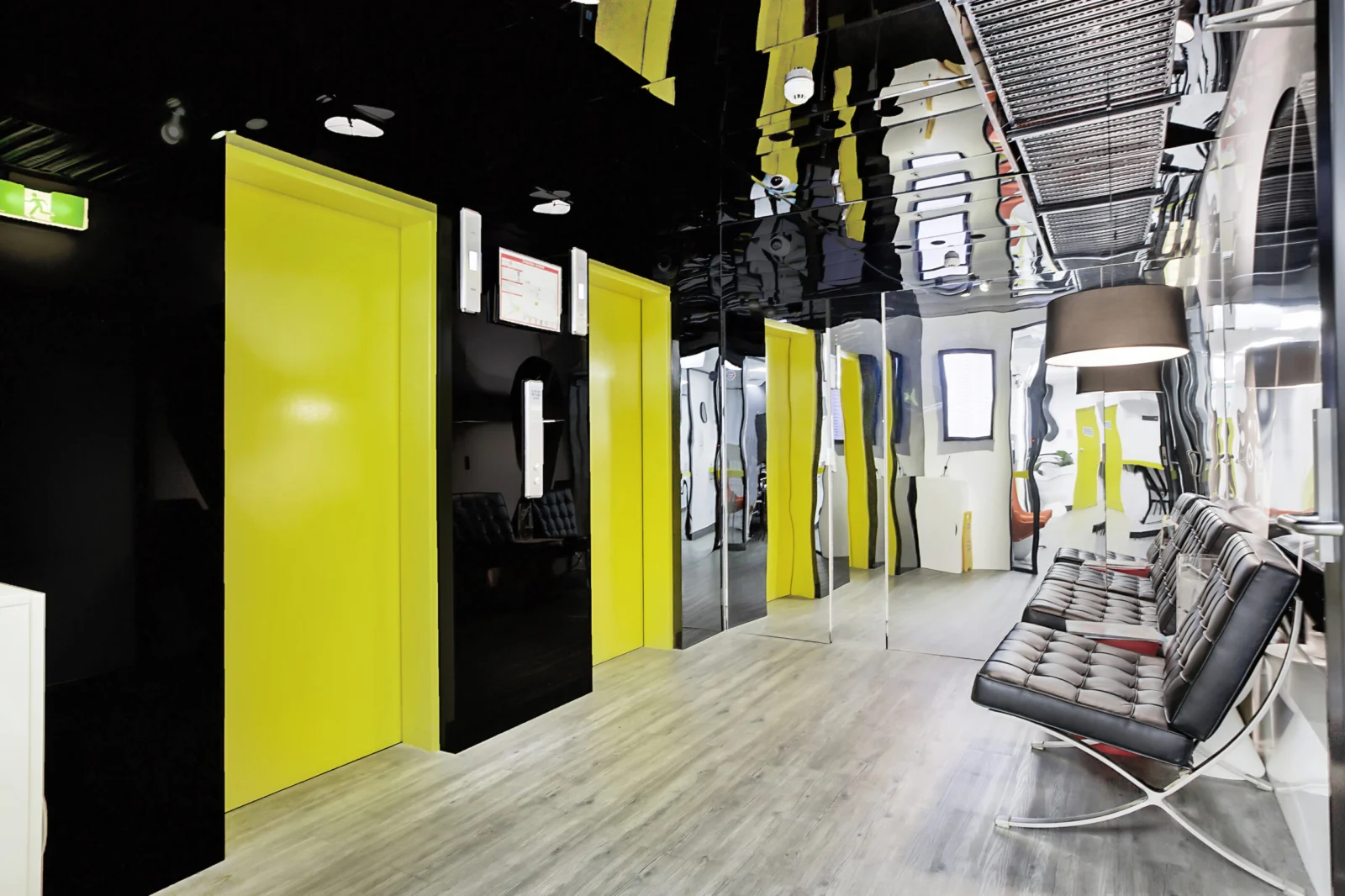
We offer more than just workspace. From private offices and coworking desks to meeting rooms and virtual offices, build the setup that suits your business: work on-site, connect remotely, or mix both.
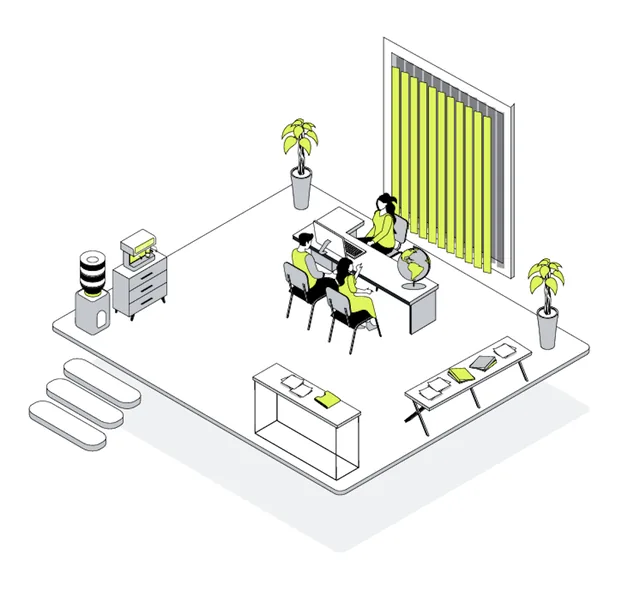
From $650/month
Office Spaces
Private serviced offices, part-time offices and day offices in Randwick and Botany, fully furnished and ready to move in.
Explore office spaces →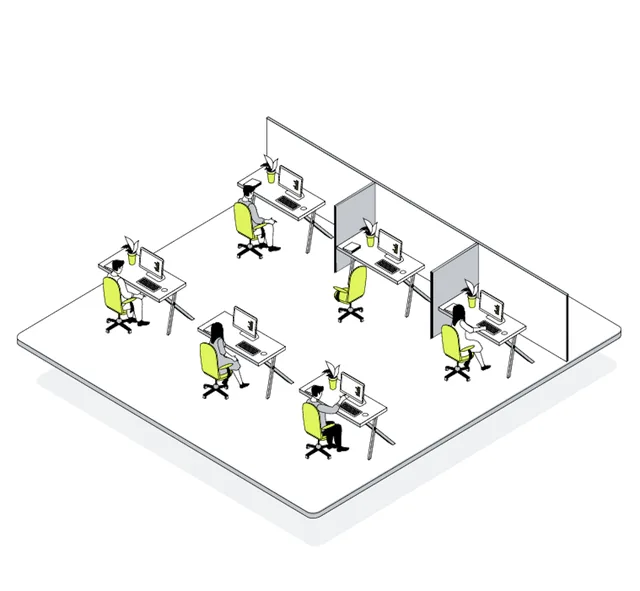
From $50/day
Coworking
Hot desks, dedicated desks and coworking memberships in a friendly shared workspace, with everything included.
Explore coworking →
From $35/hour
Meeting Rooms
Meeting rooms and boardrooms by the hour for client meetings, interviews and team days.
Explore meeting rooms →
5 & 10 day passes
Part-Time Offices
Use a private office a few days a week. Buy a pass pack and book the days that suit you.
Explore part-time offices →